user@gryczka.dev: ~/garden/browser-rendering
$ cat ~/garden/browser-rendering/README.md
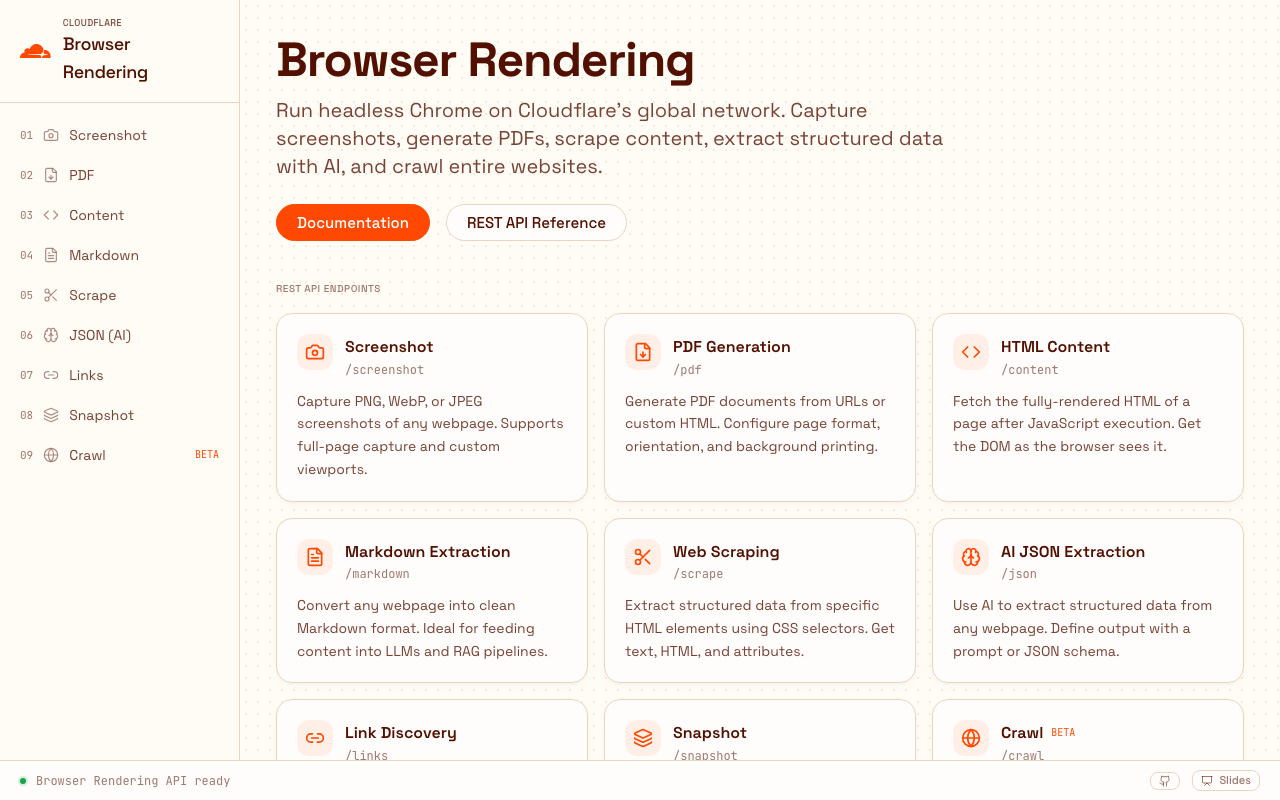
Browser Run API Explorer
## Overview
A hands-on walkthrough of Cloudflare Browser Run (formerly Browser Rendering), structured as an interactive playground where you can try each Quick Action directly in your browser. Every page lets you enter a URL, click Run, and see the real response — with the exact request body, the browser time billed, and the payload size visible in the UI. The Worker acts as a thin proxy that injects the API token server-side, so no credential ever reaches the browser. Because the deployment is public and unauthenticated, it is fenced by URL validation that refuses loopback and private-range targets, a native Rate Limiting binding with separate budgets for Quick Actions and crawling, and hard server-side ceilings on crawl depth and page count.
## Highlights
- -> Covers all ten Browser Run Quick Actions available over REST
- -> Screenshots, PDFs, Markdown conversion, AI-powered JSON extraction
- -> Async multi-page crawling with live job polling and a results explorer
- -> Server functions as a secure proxy pattern (secrets stay server-side)
- -> Fenced for public use: SSRF-safe URL validation, per-IP rate limiting, crawl ceilings
- -> Shows browser time billed and payload size for every request
## Architecture
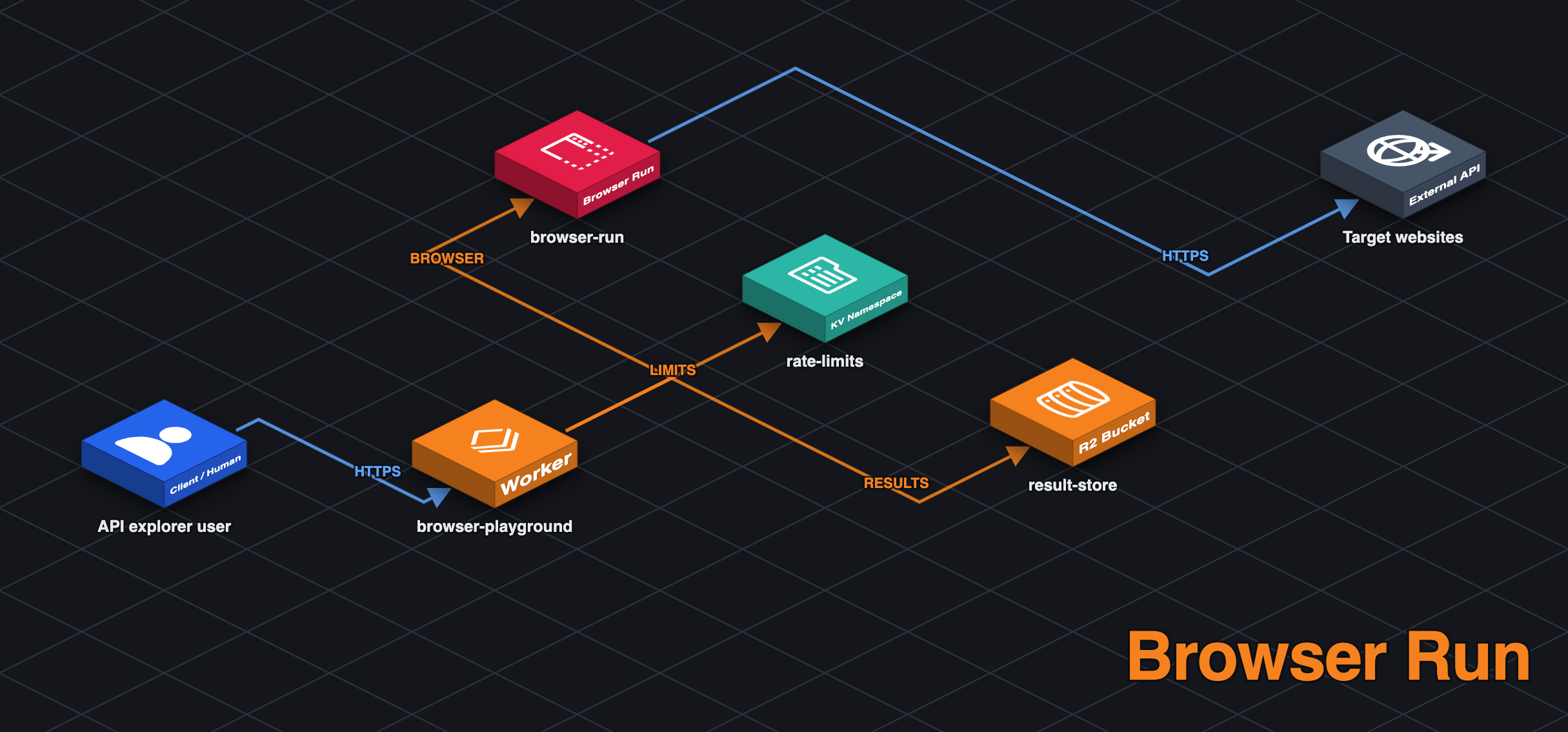
Browser (React UI + TanStack Router)
    │   Server Function Call (RPC over HTTP)
    ▼
Cloudflare Worker (TanStack Start)
    │   REST API Call (Bearer token auth)
    ▼
Browser Run Quick Actions API
    │   Spawns headless Chrome session
    ▼
Headless Chrome (Cloudflare Network)
    │   Navigates & renders target websites
    ▼
Result (screenshot, PDF, HTML, JSON, Markdown...)
## Tech Stack
WorkersBrowser RunRate LimitingTanStack StartTypeScript
$ _